Where to find the historical report
How to consult previously generated reports.
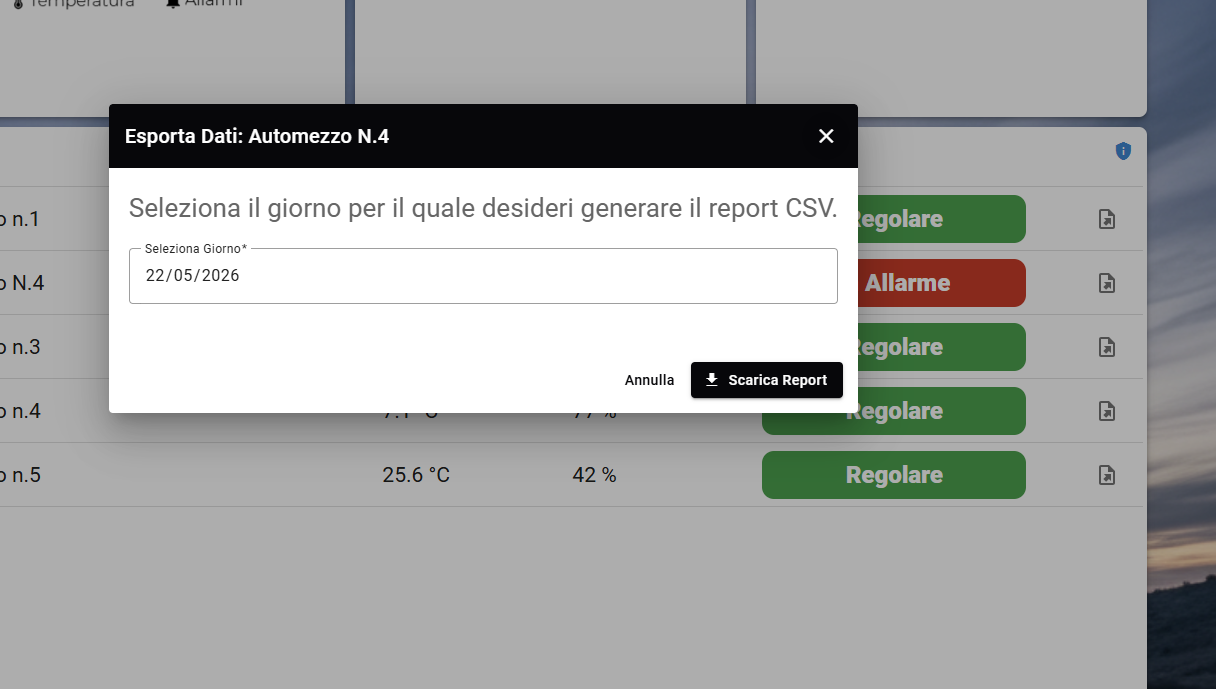
- Daily HACCP reports are sent via email. You can find them by searching your email archive.
- For CSV reports, you can generate them at any time by selecting the desired date from the export function.
- We recommend storing reports in a dedicated folder for easy retrieval during inspections.
Notes
Keep the HACCP reports for at least the period required by current legislation (usually 2-5 years depending on the country).
Troubleshooting
If you have lost a report, you can regenerate the CSV data at any time from the dashboard up to 6 months back
Related guides
- How to export a report CSV
Download temperature data in CSV format for analysis or documentation.
- How the daily HACCP report works
The automatic HACCP report for cold chain documentation.