How to access the cloud
Find out how to log in to the SmartCold Monitor portal for the first time.
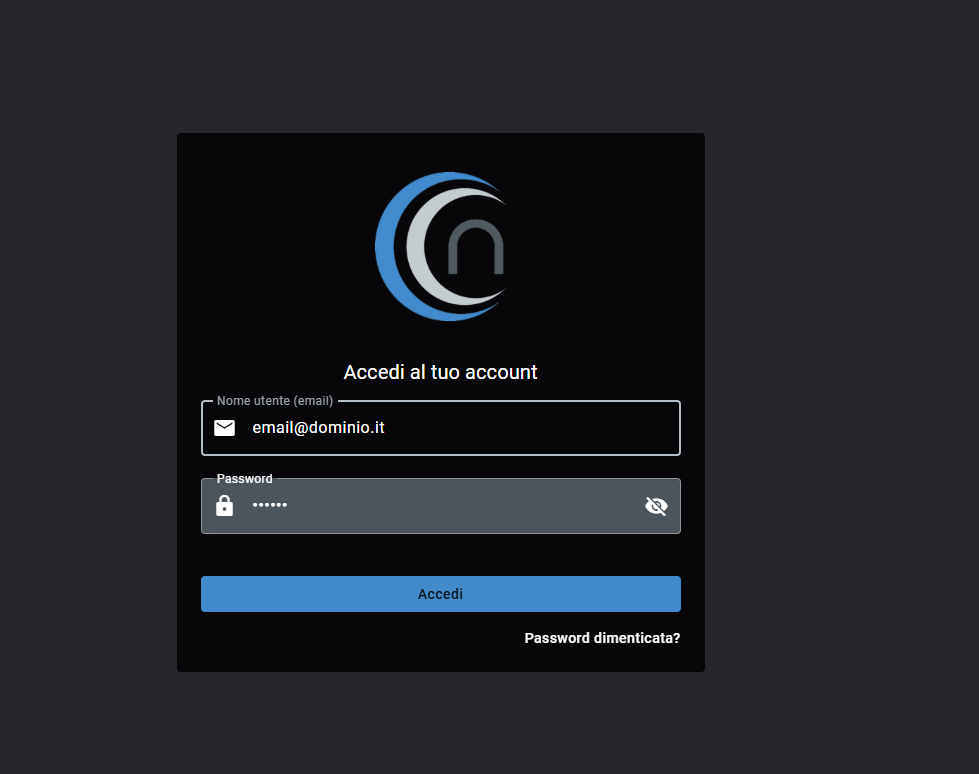
- Open your browser and go to the address https://cloud.novabase.it
- Check your email: you should have received a message with a link to create your password.
- Click on the link in the email and set your personal password.
- Go back to cloud.novabase.it, enter your email and the password you just created, then click on 'Login'.
Notes
When you register, you will receive an email with a link to create your personal password. Click on the link and follow the instructions to set your password. If you did not receive the email, also check your spam folder.
Troubleshooting
If you can't log in, check that the email is correct and try the password recovery procedure. If the problem persists, contact technical support.
Related guides
- Forgotten password
How to Recover Cloud Login Password SmartCold Monitor.
- How to change password
Change your account password from the security panel.