Forgotten password
How to Recover Cloud Login Password SmartCold Monitor.
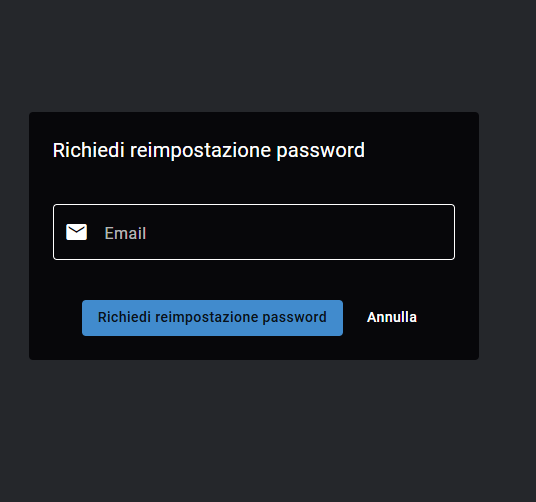
- Go to the login page on cloud.novabase.it.
- Click on 'Forgot your password?' under the Login button.
- Enter your account email address in the appropriate field and click on 'Request password reset'.
- Check your email inbox (even your spam folder) and follow the link to create a new password.
Notes
The password recovery link has a limited validity. If it expires, repeat the process.
Troubleshooting
If you don't receive the reset email, check that the address is correct. Also check your spam or junk mail folder.
Related guides
- How to access the cloud
Find out how to log in to the SmartCold Monitor portal for the first time.
- How to change password
Change your account password from the security panel.