The device does not appear in the cloud
The device is installed, but does not appear in the dashboard.
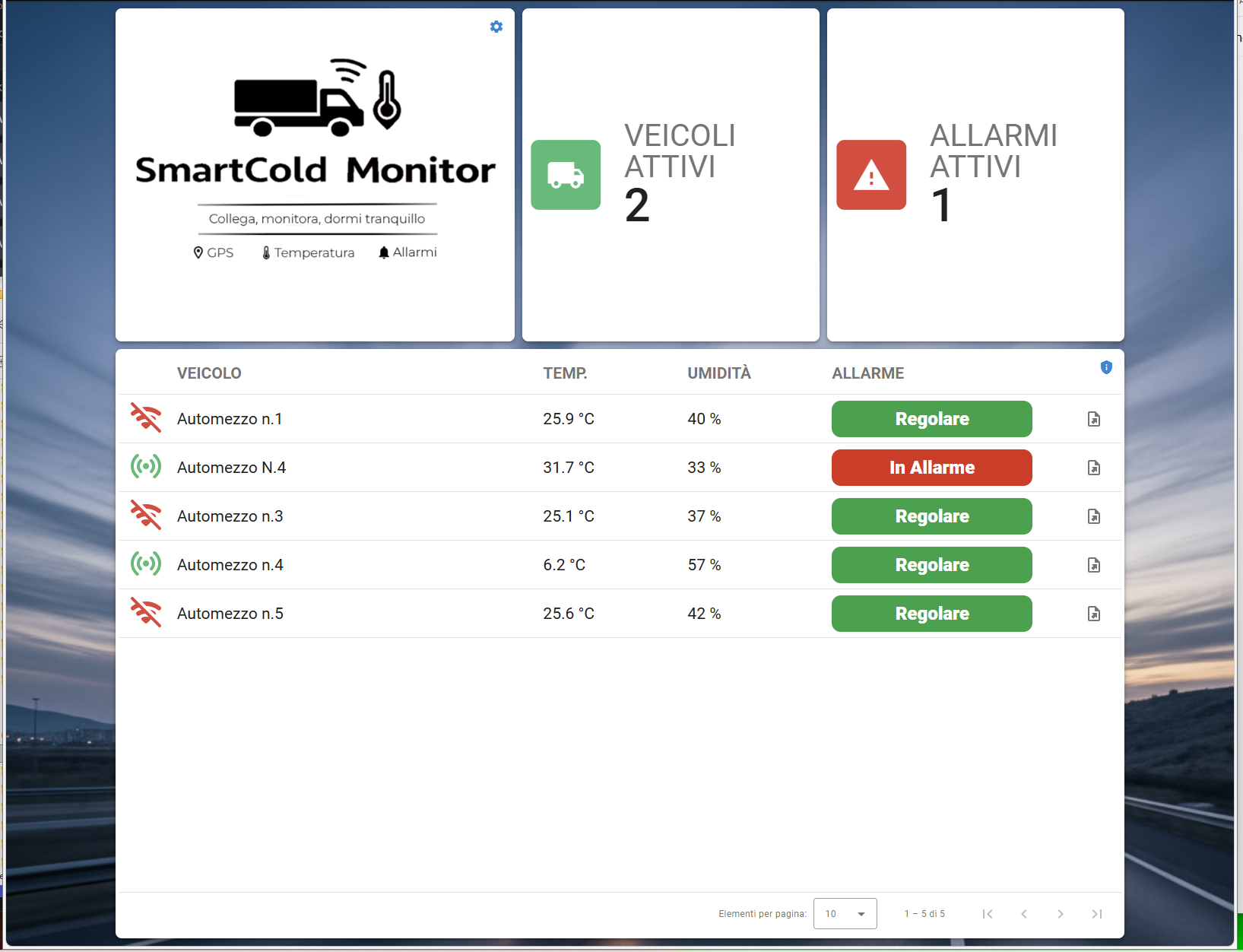
- Check that the OBD device is correctly inserted into the vehicle's diagnostic socket.
- Make sure the engine is running: the device requires power to work.
- Wait at least 10 minutes after installation to give your device time to register.
- Check that you are logged into the cloud with the correct account (the one associated with the order).
- Try reloading the cloud page.
Notes
When first used, it may take up to 15 minutes for your device to appear in the cloud. GSM network coverage is required for communication.
Troubleshooting
If your device does not appear after 30 minutes, contact support with your device serial number and order number.
Related guides
- How to install device OBD
Step-by-step guide to connect the OBD device to the vehicle.
- The vehicle is offline
What to do when a vehicle is not connected to the cloud.