I forgot my password
How to recover cloud access if you forgot your password.
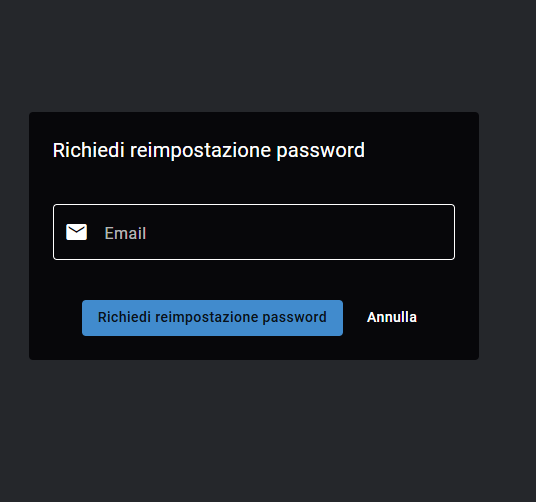
- Go to the login page on cloud.novabase.it.
- Click on 'Forgot your password?'.
- Enter your account email.
- Click on 'Request password reset'.
- Check your email inbox and follow the link to create a new password.
Notes
The reset link is valid for a limited time. If it expires, you can request a new one.
Troubleshooting
If you don't receive the reset email, verify the address and check your spam folder. If the problem persists, contact support.
Related guides
- How to access the cloud
Find out how to log in to the SmartCold Monitor portal for the first time.
- Forgotten password
How to Recover Cloud Login Password SmartCold Monitor.