How to download invoices
Download the invoices of your orders from the account panel.
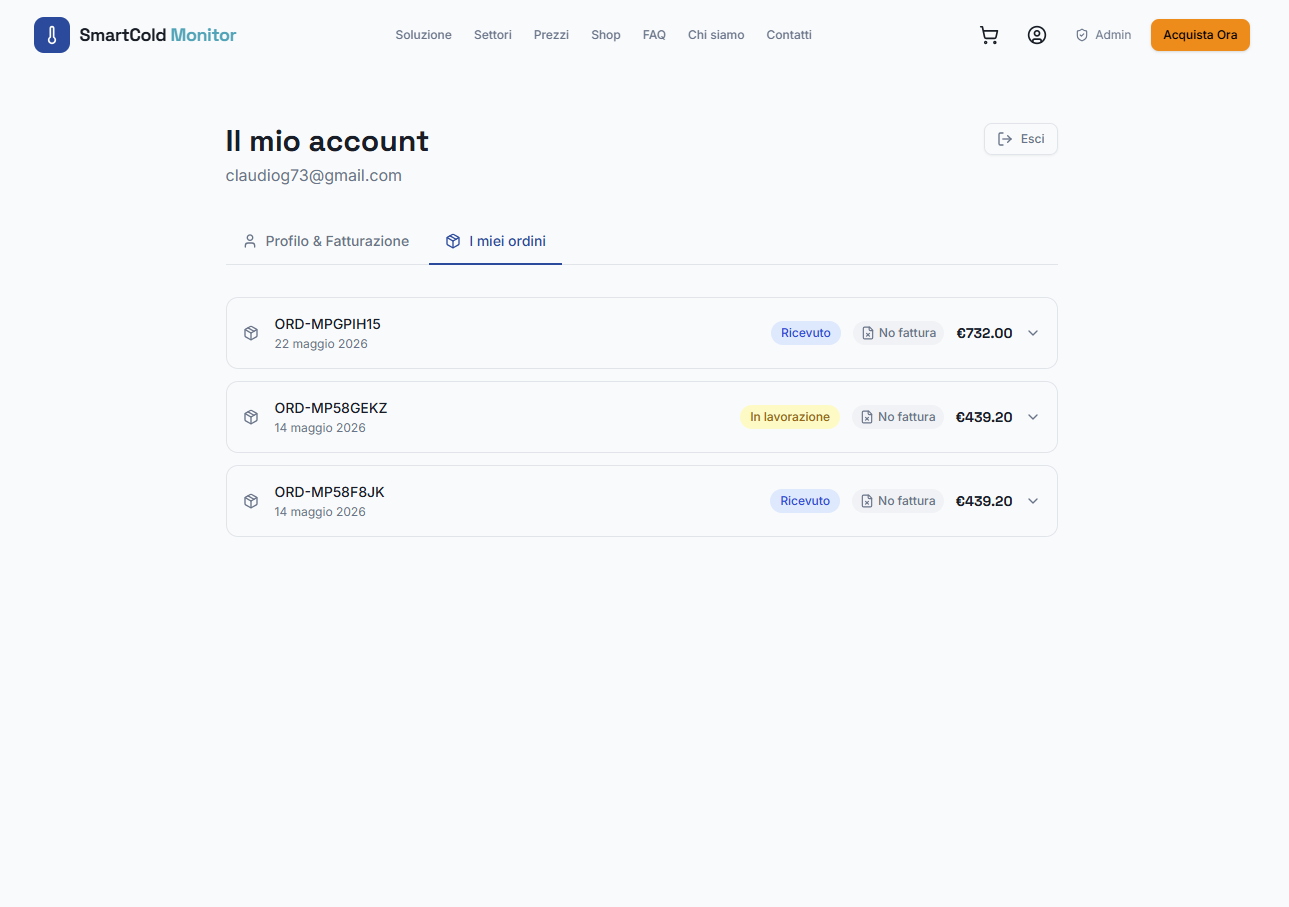
- Go to 'My Account' and open the 'My Orders' tab.
- Next to each order you will find information on the availability of the invoice.
- If the invoice is available, click on the download icon to download it in PDF format.
- If 'No invoice' is indicated, the invoice has not yet been generated.
Notes
Invoices are generated after payment confirmation. You may need to wait a few business days.
Troubleshooting
If the invoice is not available after 7 days of ordering, please contact administrative support.
Related guides
- How to view orders
Consult the list of all orders placed on your account.
- How to see your active subscription
Check the status of your SmartCold Monitor subscription.