How to view orders
Consult the list of all orders placed on your account.
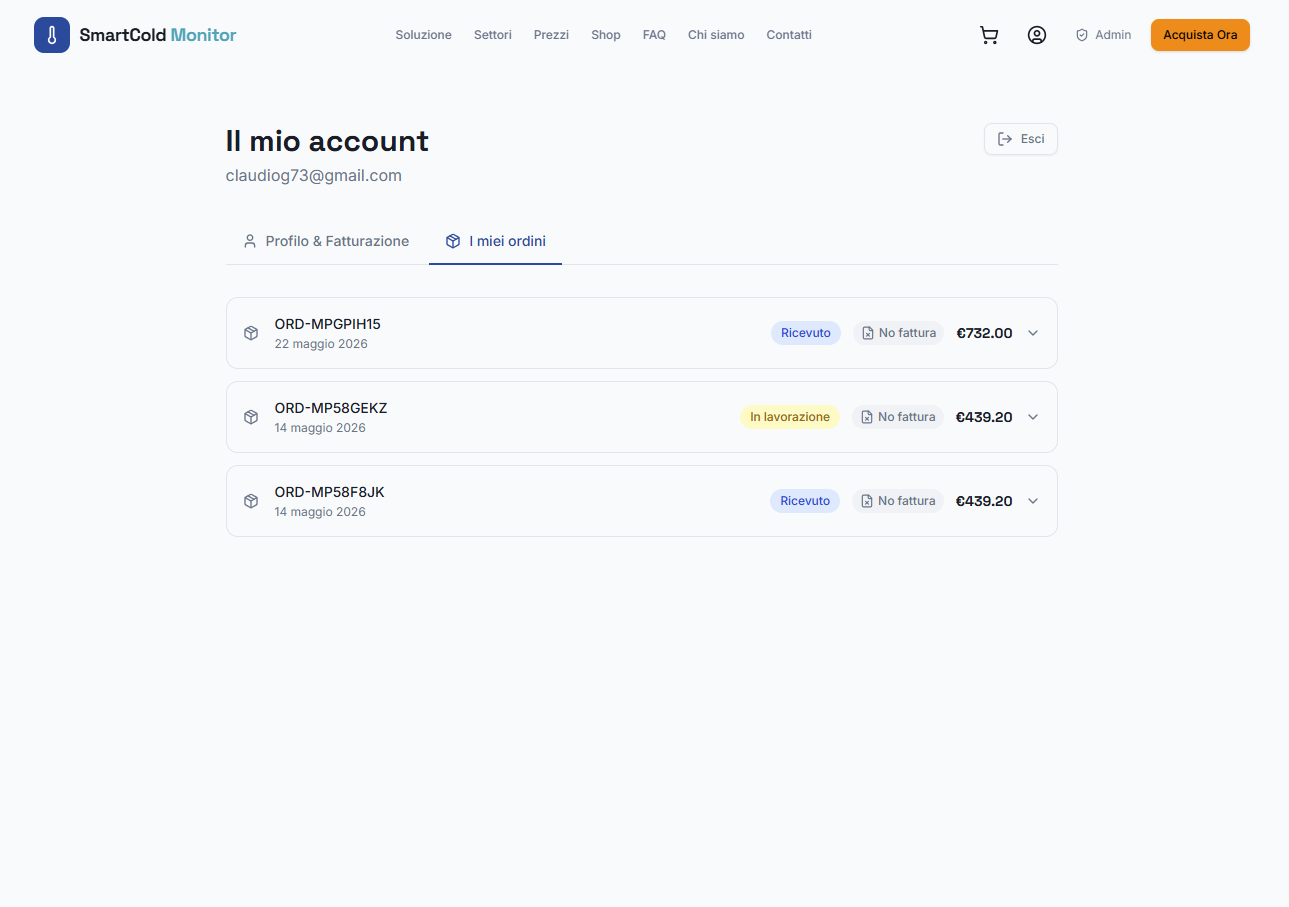
- Log in to the SmartCold Monitor site and go to 'My Account'.
- Click on the 'My Orders' tab.
- You will see the list of all orders with: order number, date, status (Received/In process) and amount.
- Click the arrow on the right to expand the details of an order.
Notes
The status can be marked as:
- 'Received' indicates that the order has been accepted by the system.
- 'In Process' the order is being processed.
- 'Shipped' the purchased goods have been shipped and taken over by the courier.
- 'Completed' the customer has received the product.
- 'Cancelled' the order has been cancelled.
Troubleshooting
If an order does not appear in the list, please check that you are logged in to the correct account. If the problem persists, contact support.
Related guides
- How to download invoices
Download the invoices of your orders from the account panel.
- How to see your active subscription
Check the status of your SmartCold Monitor subscription.